


Strong classroom audio depends on consistent care. A simple maintenance routine helps reduce downtime, improves reliability during instruction, and extends the service life of shared devices. This guide covers audio equipment maintenance for schools, with practical steps for cleaning, storage, cable handling, and scheduled checkups for language labs and classrooms.
Key Takeaways
- Clean and inspect shared headsets regularly to prevent wear and hygiene issues
- Store equipment correctly to reduce breakage and misplaced parts
- Protect cables and connectors to avoid common failures
- Keep software/firmware updated for digital audio tools and devices
- Use a simple schedule so staff can maintain consistency all year
Maintenance Overview
| Aspect | Why it matters |
|---|---|
| Regular cleaning | Supports hygiene and keeps audio components working consistently |
| Proper storage | Reduces accidental damage, tangles, and lost accessories |
| Cable management | Prevents fraying, connector failures, and trip hazards |
| Software updates | Improves stability and compatibility for digital audio tools |
| Periodic servicing | Catches bigger issues early and supports long-term planning |
1) Regular Cleaning and Inspection
Shared headsets and headphones benefit from routine cleaning and quick checks. Dust buildup, oil residue, and wear on cables can cause intermittent audio or microphone issues over time. For step-by-step guidance, see our resource on how to properly sanitize and maintain school headphones .
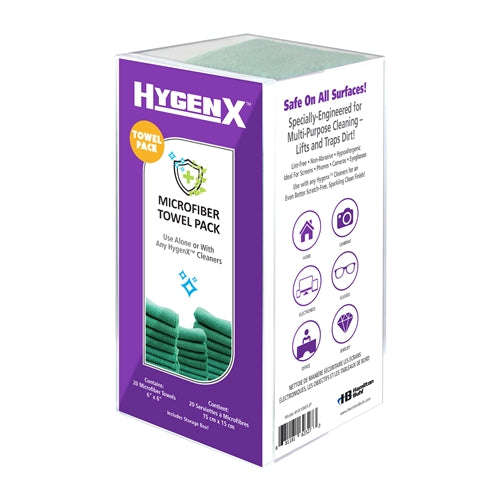
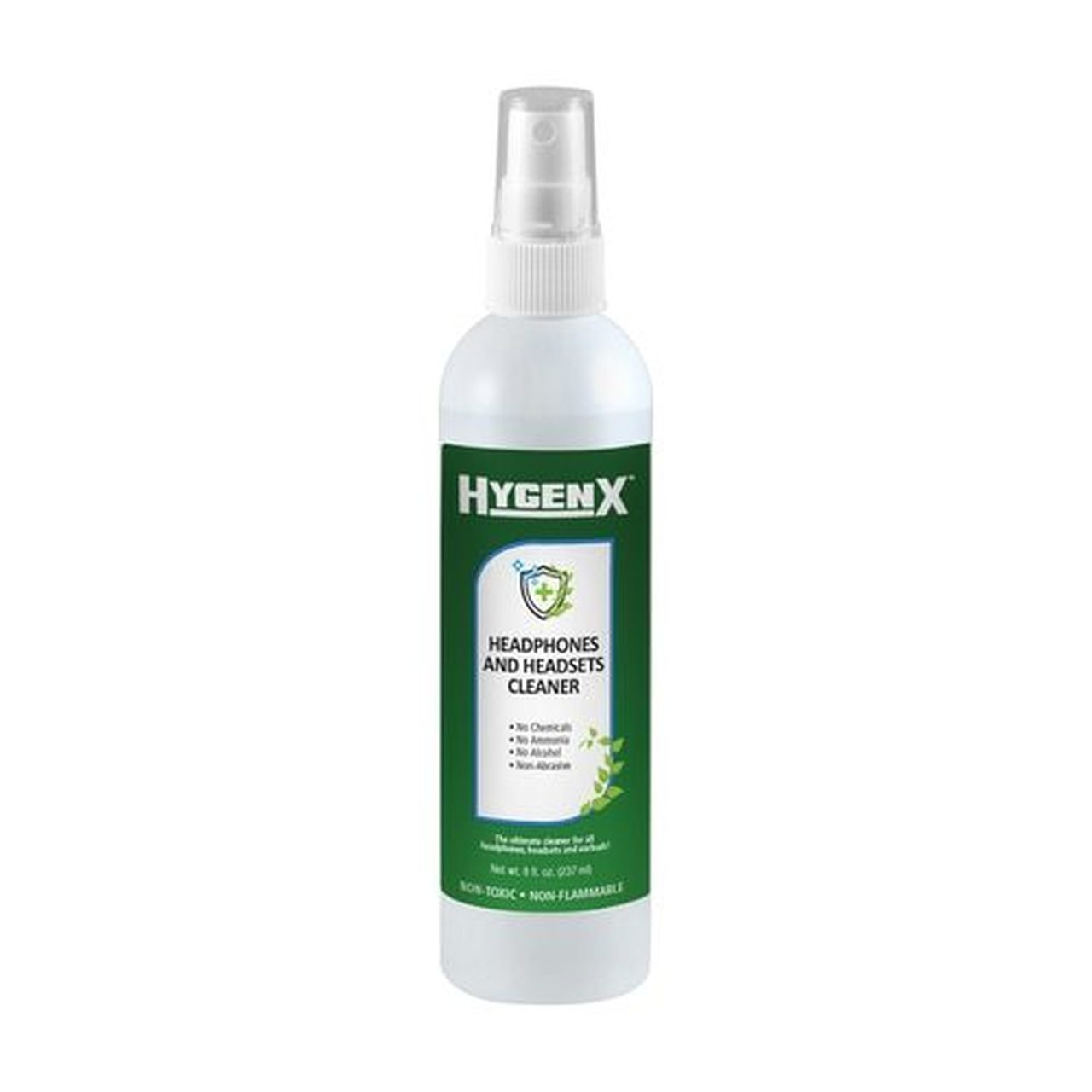
During inspection, look for:
- Frayed cables or exposed wiring near the plug
- Loose ear pads, cracked headbands, or worn hinges
- Intermittent mic pickup or muffled audio
- Damaged connectors or bent plugs
2) Proper Storage and Handling
Storage is one of the easiest ways to extend equipment life. Use labeled bins, racks, or cabinets so devices aren’t tossed into piles or stored under tension. If equipment is shared between rooms, a simple check-in/out process helps reduce losses.
- Store in a cool, dry location away from heat sources
- Avoid stacking headsets where the headband is compressed
- Use dedicated storage zones for adapters, splitters, and replacement parts
3) Cable Management and Connector Care
Most headset failures happen at the cable and connector. Teach students and staff to unplug by holding the connector (not the cable), and coil cables loosely to avoid internal stress.
- Use simple ties or Velcro wraps to prevent tangles
- Label cables by type (USB-C, USB-A, 3.5mm TRRS) for faster troubleshooting
- Use floor-safe routing in high-traffic areas to reduce wear
4) Software and Firmware Updates (Digital Audio Setups)
If your language lab uses digital audio tools, classroom devices, or wireless systems, routine updates can improve stability and compatibility. Set a monthly reminder for staff to check for updates and document changes.
- Track update dates and versions for devices in shared spaces
- Test changes on one device before rolling out across a lab
- Document any troubleshooting patterns after updates
5) Periodic Servicing and Replacement Planning
Even with strong daily care, equipment benefits from periodic review. Plan a deeper check during breaks or end-of-term windows to replace worn ear pads, identify recurring failures, and prepare next-year purchasing.
Simple Maintenance Schedule
- Daily: Quick wipe-down and visual check
- Weekly: Deeper cleaning + cable organization
- Monthly: Inventory review + firmware/software checks
- Quarterly: Lab-wide inspection and replacement needs
- Yearly: Budget and refresh plan for aging equipment
Choose Classroom-Ready Equipment from the Start
Selecting durable, classroom-ready models simplifies maintenance. If you’re outfitting a language lab or shared classrooms, consider classroom packs and setups designed for repeated school use.
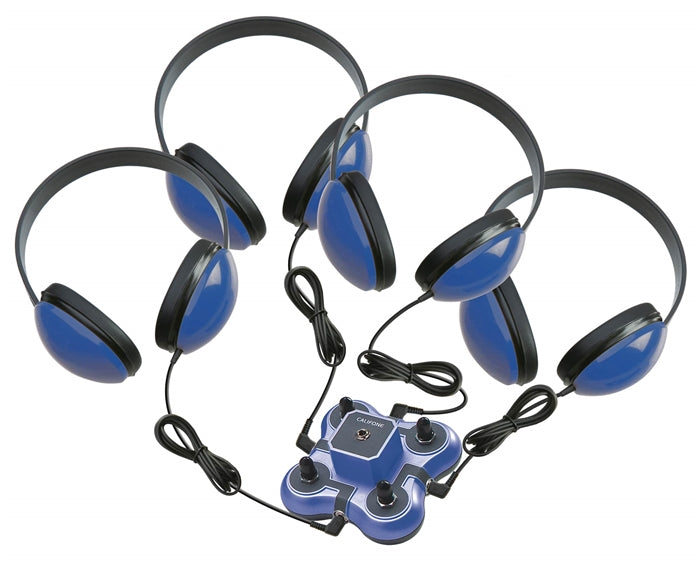
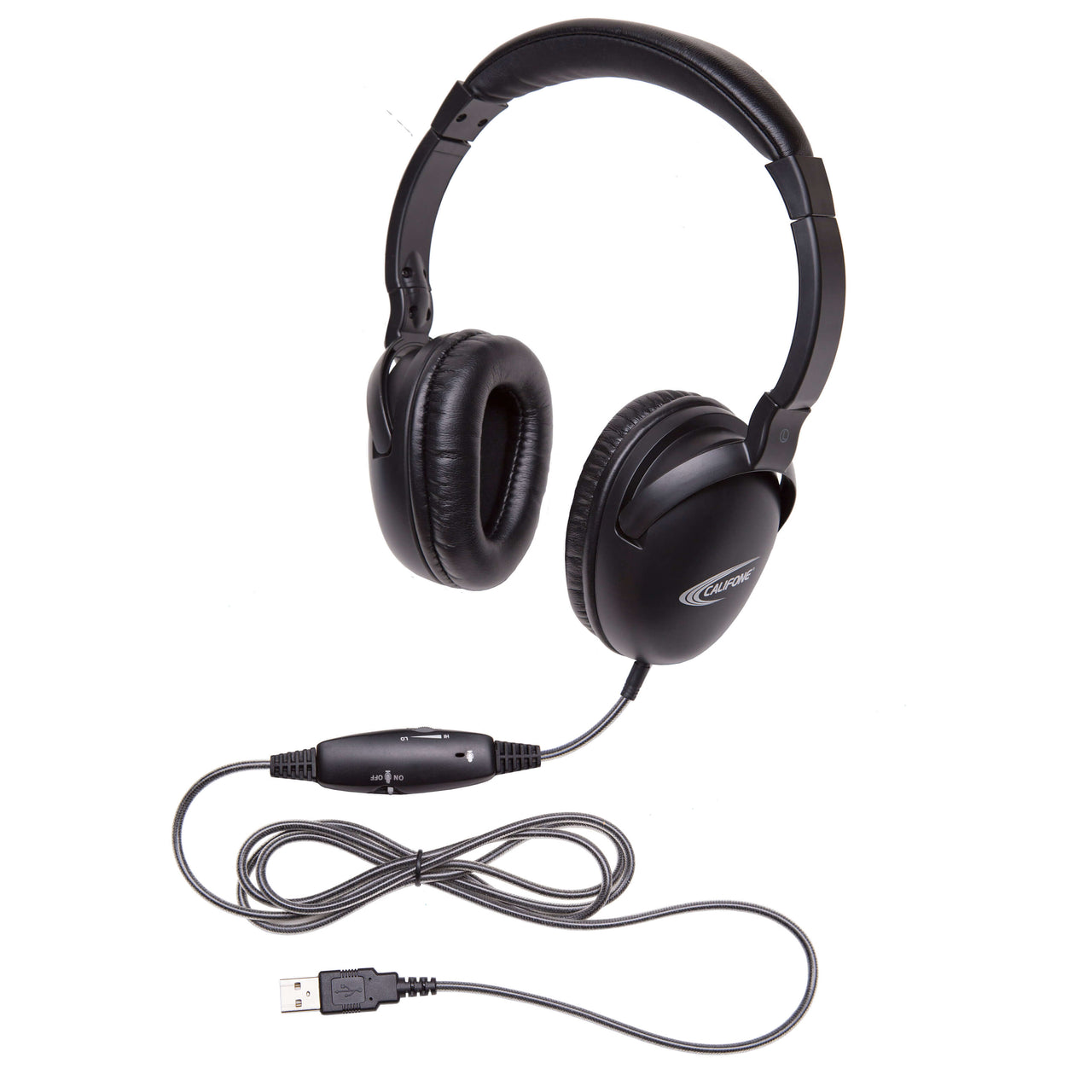
If cable management is a recurring issue, some schools also explore wireless headphones in supervised settings to reduce stress on connectors and plugs.
Staff & Student Training
Clear expectations keep shared equipment in good condition. Create a short handling guide for students, and a troubleshooting checklist for staff. Small habits — like unplugging correctly and returning devices to the same storage location — reduce avoidable failures over time.
FAQ
How often should schools clean shared headphones and headsets?
For shared devices, a quick daily wipe-down is ideal, with a deeper clean weekly. High-rotation labs may benefit from cleaning between classes when feasible.
What is the most common failure point for classroom headsets?
Cables and connectors are the most frequent failure points. Proper unplugging technique and loose coiling help reduce internal cable stress and fraying.
Should schools keep spare parts on hand?
Yes. Keeping extra ear pads, adapters, and a few backup units helps reduce downtime when a headset needs service.
How can we make maintenance easier for staff?
Use a simple schedule, label storage locations, and keep cleaning supplies and replacement parts in one consistent place.